


Use a spare phone or a tablet.
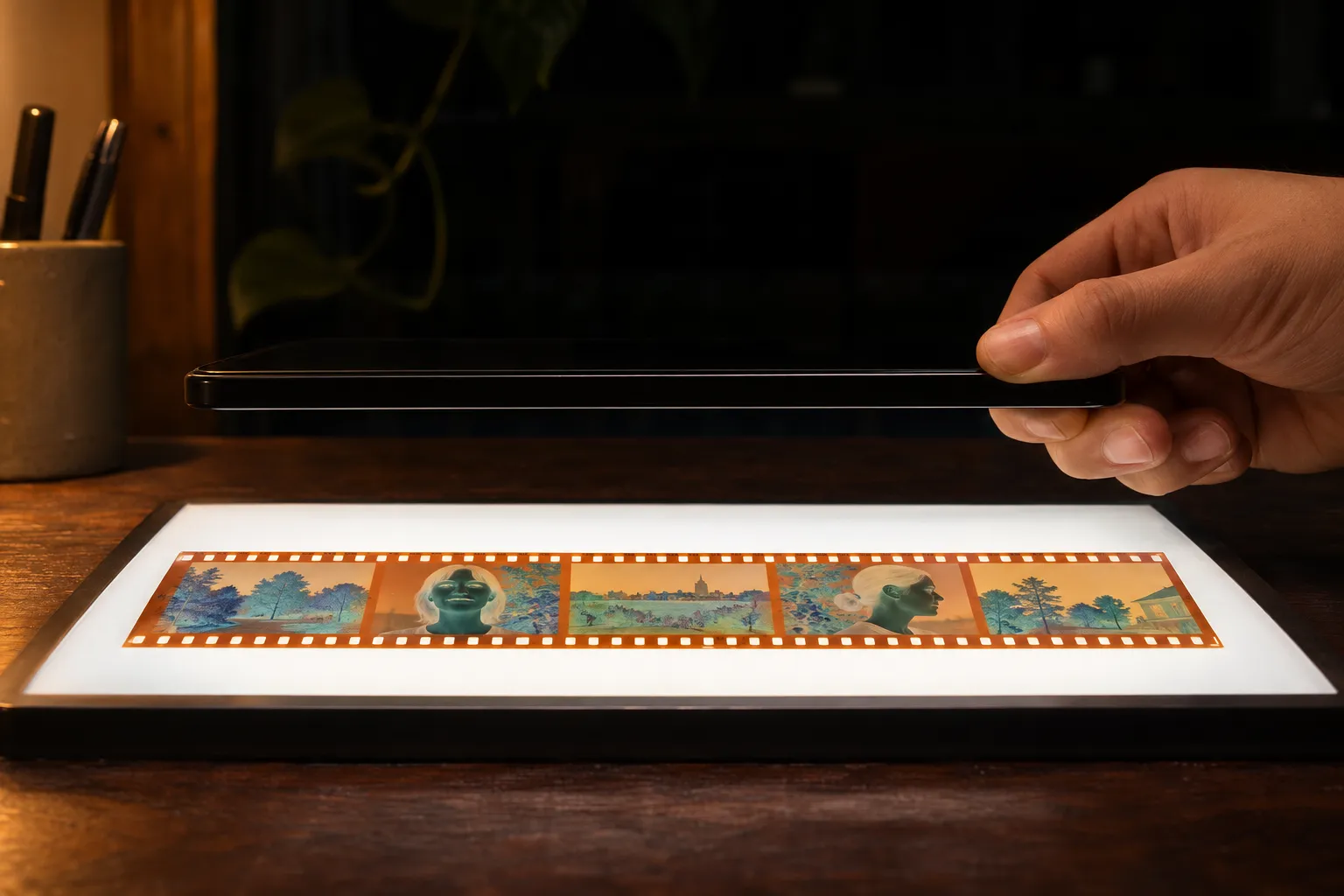
Turn on light table mode on your other phone or open a white screen on your tablet, set it to full brightness and lay your strip on it.
Set up your light padLay a strip of film on a lit screen, hold your phone over it and tap once. You get every frame back as a real photo, colors and all, and nothing leaves your phone.
You get the Android app on Google Play first. Join the list and get one email the day you can download it.
You scan and edit free, and keep up to 12 photos without paying.
On iPhone, join the list and get one email the day you can download Backlit.
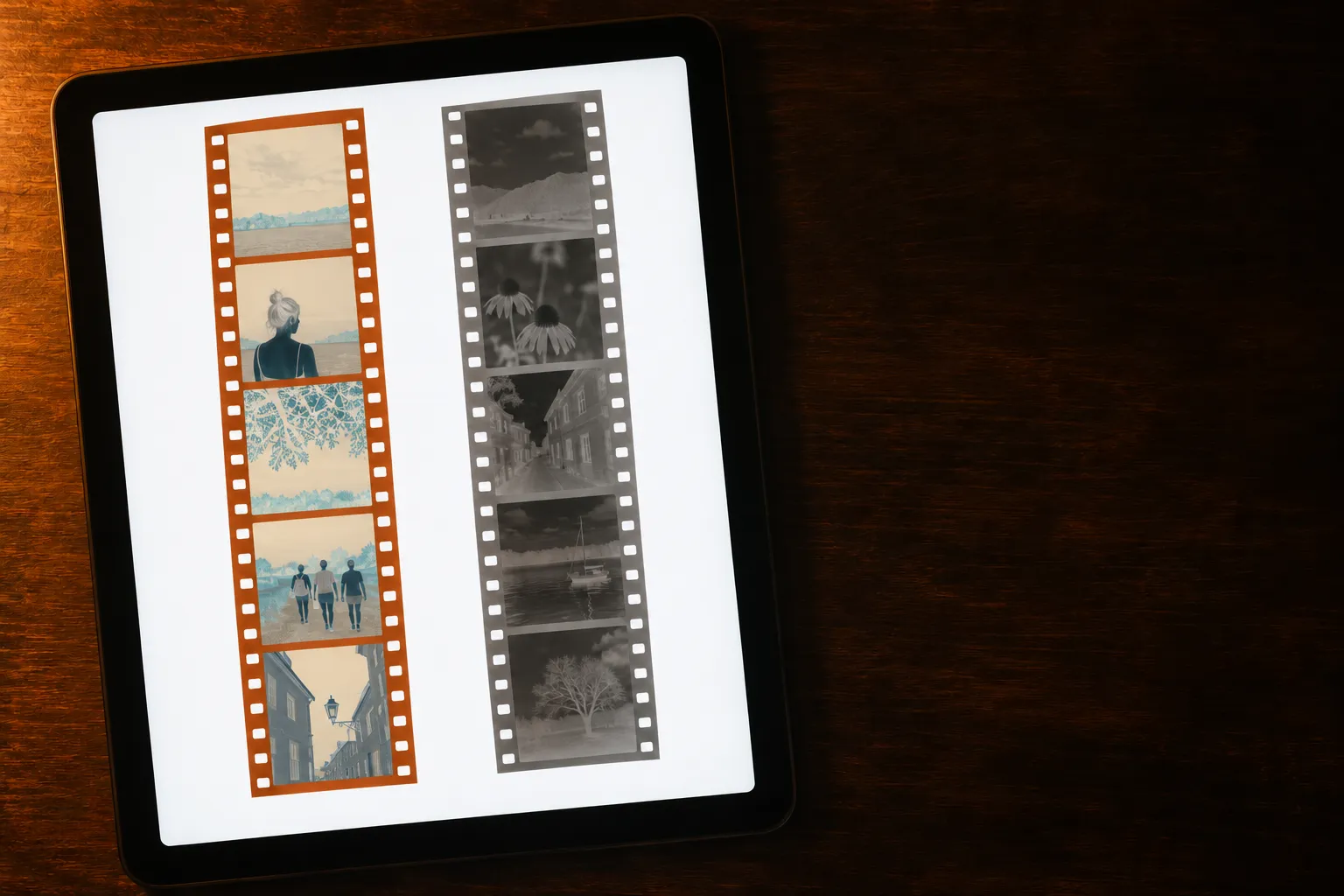
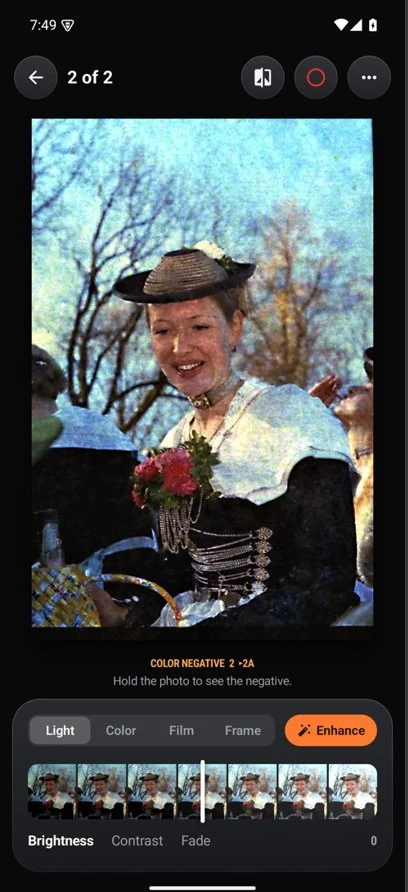
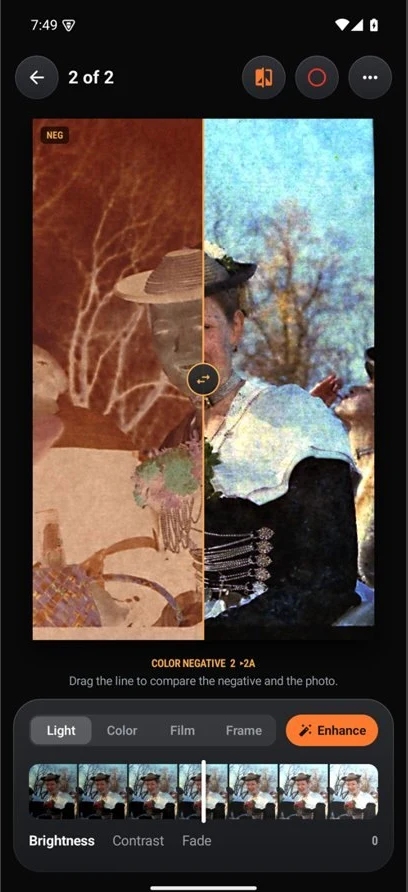
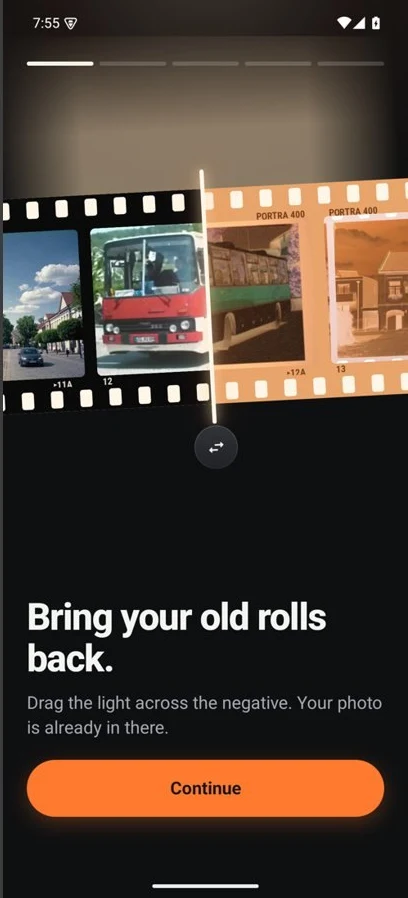
Drag the line. Each of these is a real negative, shot over a light, cut out and developed in Backlit: the orange film base gone, the exposure set, the grain calmed and the dust lifted.
 NegativePhoto
Real negative from Wikimedia Commons (LoMit, CC BY 4.0), cut out and developed in Backlit with Enhance on.
You need an even white glow behind the film and nothing more. Pick whichever sits closest.
Turn on light table mode on your other phone or open a white screen on your tablet, set it to full brightness and lay your strip on it.
Set up your light pad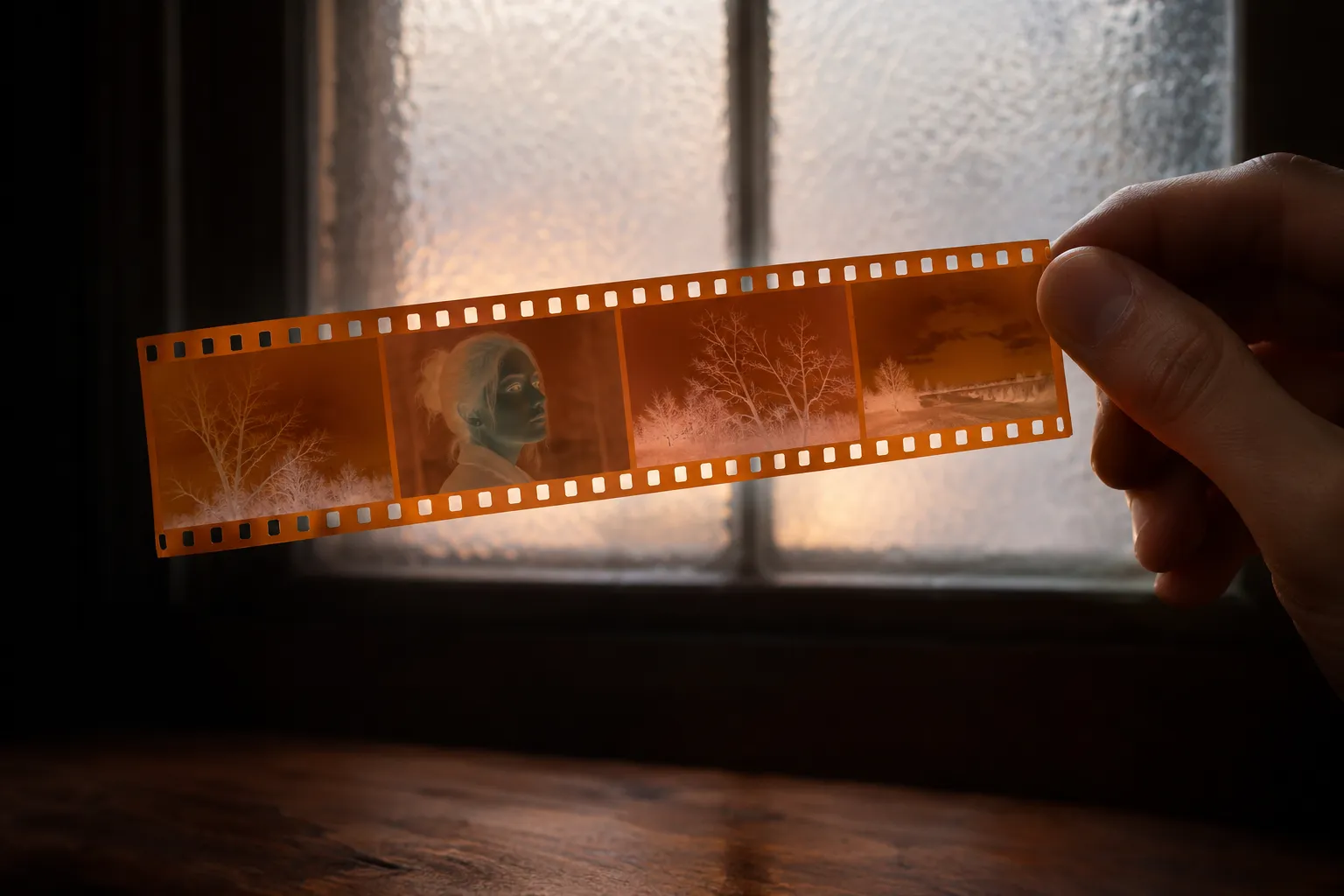
Pick a bright window with no sun on it, frosted or covered with a sheet of white paper, and hold the strip flat against it.
Digitize without a scanner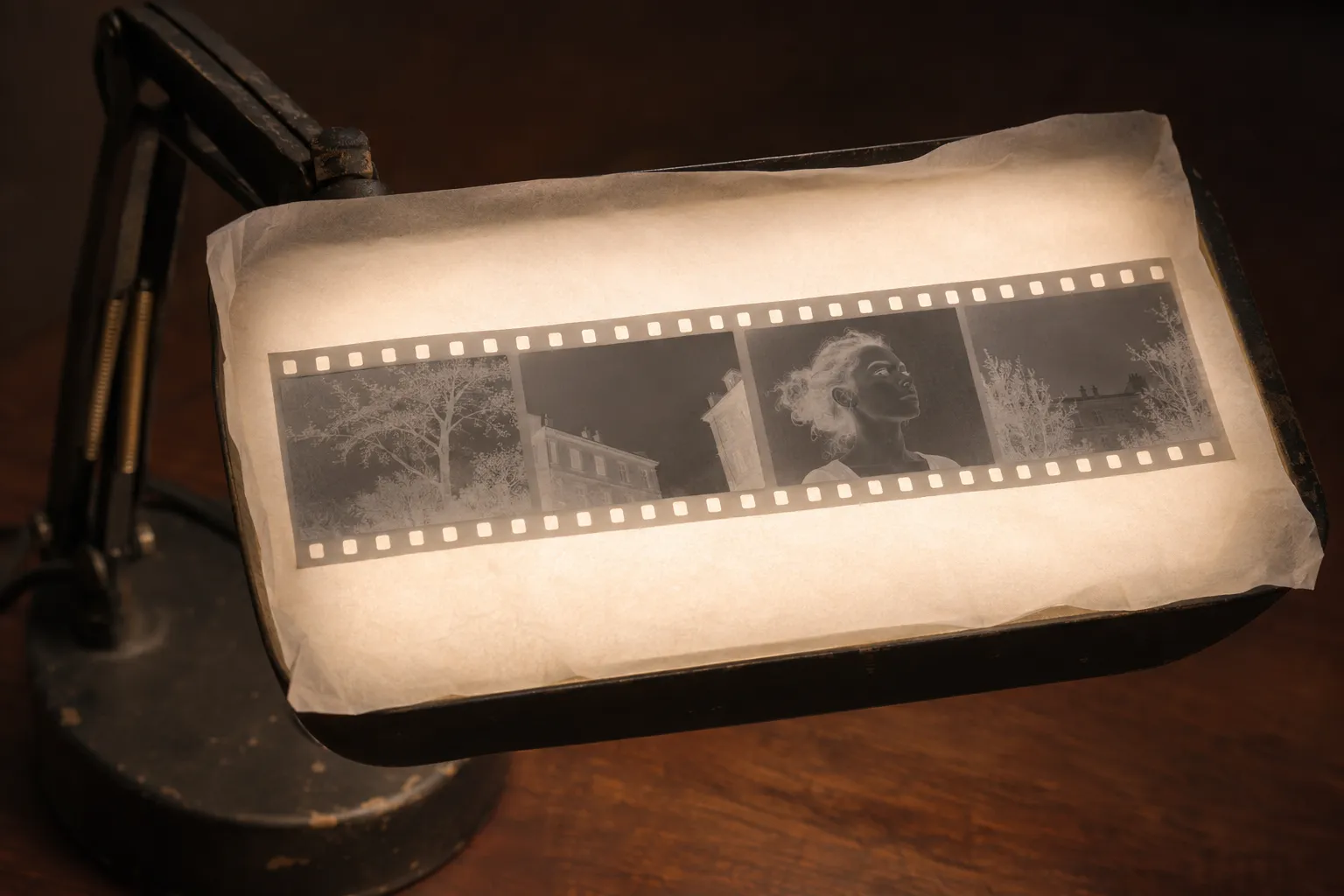
Lay tracing paper over a desk lamp turned upward. Your strip sits on an even glow, and the bulb never shows through.
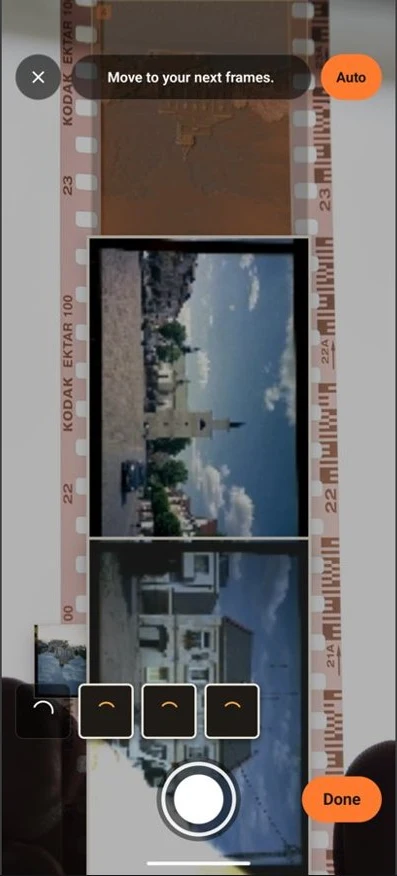
See every home light that worksHold your phone over the film and watch every frame light up with an outline and its number. Hold still and you get the shot on its own, or tap the shutter. Every frame comes out cut and straight, and stands upright when a face or the sky shows which way is up.
Pick the stock you shot and your photo prints in its colors: Portra 160, Portra 400, Portra 800 and 14 more, from Gold 200 to Tri-X 400 and Velvia 50. Then fine-tune light, color and the frame on one dial each.
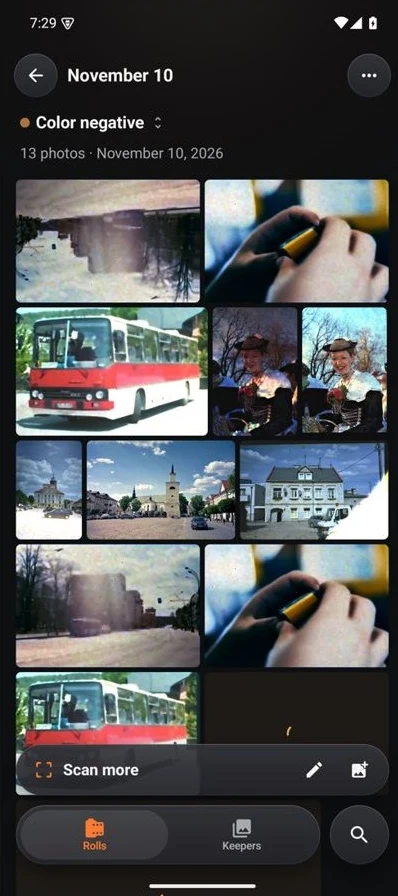
Every scan lands in a roll you name, as a wall of upright prints. Mark the frames you love with the red grease pencil, save them to your photos at full size, or export the whole roll as one contact sheet.
Your family's photos stay yours. You scan, develop and save on your own phone, with no account, no upload and no tracking.
You go online in Backlit only for purchases through Google Play. Read the privacy policy.
$0
$29.99 a year
Try it free for 7 days.
Open a photo of your negative and get the positive in your browser: pick the film base, set each color channel, save the JPEG. Nothing leaves your device.
Why color negatives turn blue when you invert them and black and white ones don't: the orange mask, the film base, chromogenic black and white, and slide film.
Digitize film negatives without a scanner: five home methods compared, from your phone and a window to a camera with a macro lens, with what each one costs you.
Read the edge of your negatives: frame numbers and the A half-frame marks, the film name and type, the DX barcode, and what each tells you about a forgotten roll.
Scan film negatives with your phone at home: the light to use, how to hold the phone, which camera settings help, and how to get true colors from color film.
Turn a phone or tablet into a light pad for film negatives: the brightness and color settings to change, how to beat the pixel grid, and OLED vs LCD screens.
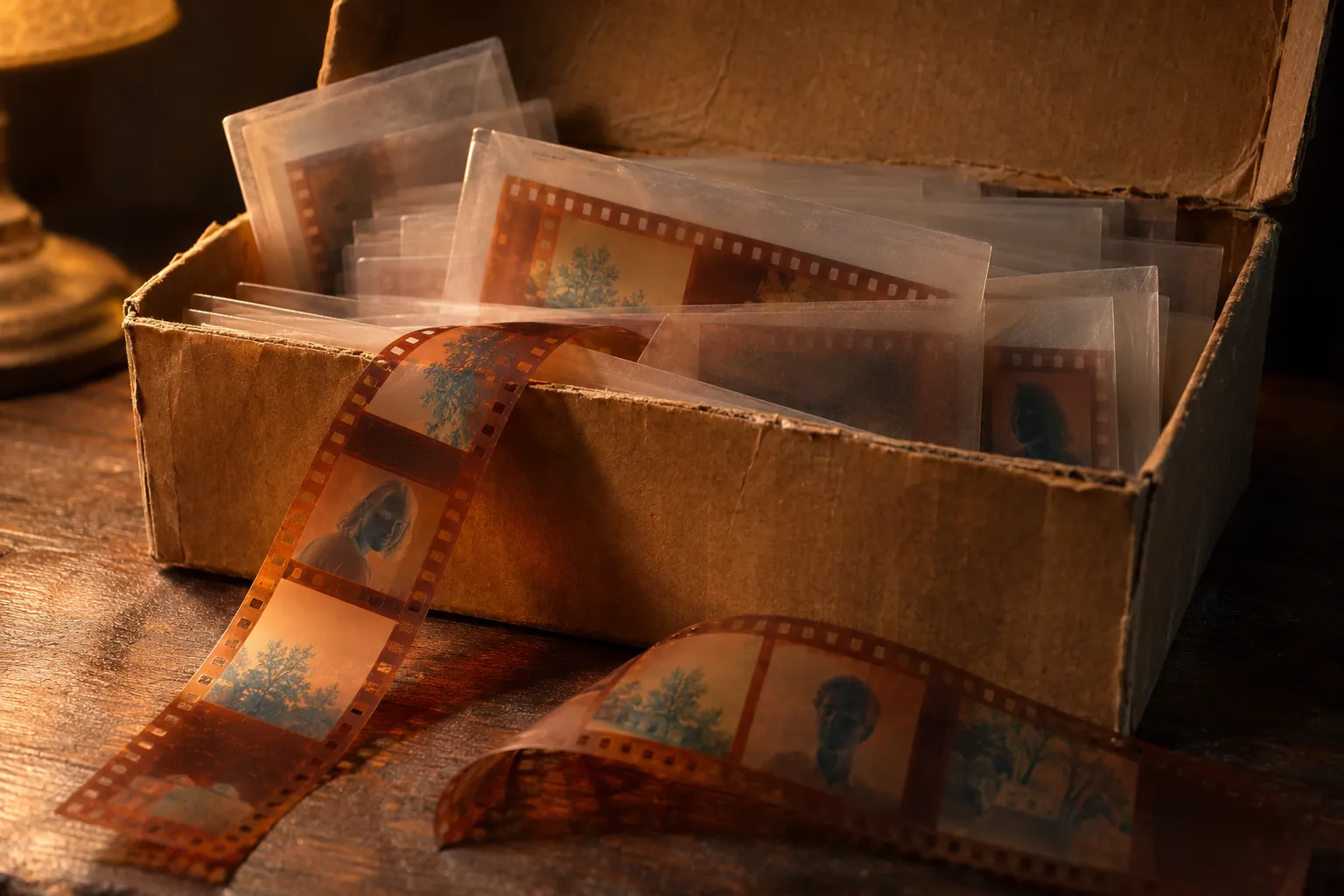
Lay your first strip on a lit screen and watch your old photos come back.
You get the Android app on Google Play first. Join the list and get one email the day you can download it.
You scan and edit free, and keep up to 12 photos without paying.
On iPhone, join the list and get one email the day you can download Backlit.